
Why Government Portals Enforce 100KB PDF Limits
Government portals across India handle millions of applications simultaneously. When every applicant uploads a 3MB certificate scan, server infrastructure buckles under the load. To prevent this, portals like EPFO, state recruitment boards, and scholarship platforms enforce strict file size caps — commonly 100KB for supporting documents.
The challenge for candidates is straightforward but frustrating: how do you compress a high-resolution certificate scan from 2MB down to 100KB without making the text illegible? If compression is too aggressive, the document becomes unreadable, and manual verification officers will reject it.
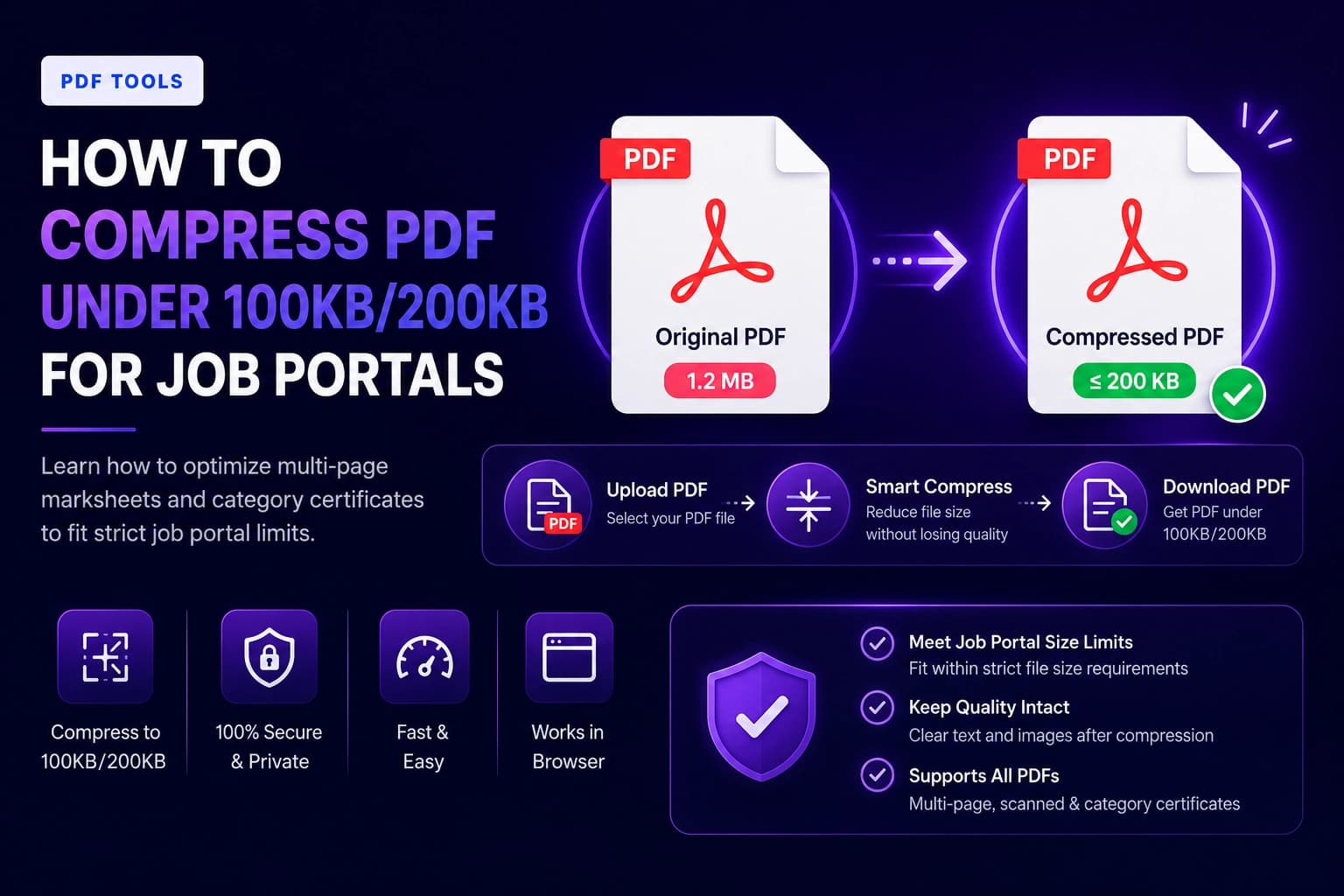
This guide walks you through the entire process using ToolWala's PDF Compressor, a free, privacy-first tool that runs entirely in your browser.
Step-by-Step Guide to Compress PDF Under 100KB
Step 1: Prepare a Clean Scan
Start with the highest quality source document you can obtain:
- Scan at 150–200 DPI: Set your scanner or phone app to capture at 150 to 200 Dots Per Inch. Higher DPI produces sharper text but larger files. 150 DPI is the sweet spot for government uploads.
- Crop Margins: Remove blank borders around your document. Extra whitespace adds unnecessary file weight without contributing useful information.
- Flatten the Document: If your certificate has multiple overlapping layers (from editing software), flatten it into a single-layer PDF before compressing.
Step 2: Upload to ToolWala
- Navigate to ToolWala's PDF Compressor.
- Drag and drop your PDF or browse your local files.
- Your document loads instantly inside the browser cache — nothing is uploaded to any server.
Step 3: Configure Compression Settings
- Select the 100KB target preset from the compression options.
- The tool automatically adjusts image resolution, strips unused font subsets, and removes metadata profiles (EXIF headers, embedded thumbnails).
- Preview the compressed output to verify that names, dates, and registration numbers are clearly legible.
Step 4: Download
Click Download to save your optimized PDF. Verify the file size is under 100KB before uploading to the portal.
Which Portals Require PDFs Under 100KB?
Understanding where these limits apply helps you prepare documents in advance:
| Portal / Platform | Documents Required | Maximum Size | Format |
|---|---|---|---|
| EPFO Member Portal | Passbook Scan, Cheque Leaf | 100KB | PDF / JPEG |
| UPSSSC (Uttar Pradesh) | Caste Certificate, Domicile | 100KB | |
| HSSC (Haryana) | Category Certificate, ID Proof | 100KB | |
| RPSC (Rajasthan) | Experience Certificate | 100KB | |
| State Police Bharti | Character Certificate | 50–100KB | |
| NSP Scholarship Portal | Income Certificate, Marksheet | 100KB |
For portals requiring larger limits like 200KB or 300KB, visit our Compress PDF to 200KB or Compress PDF to 300KB guides.
How the Compression Engine Works
ToolWala's PDF compressor uses a multi-layered approach to reduce file size while maintaining document integrity:
Image Layer Optimization
Scanned PDFs are essentially images wrapped in a PDF container. Our engine identifies these raster layers and applies targeted JPEG compression. Background areas (white paper, margins) receive aggressive compression, while text regions receive gentler treatment to preserve character edges.
Font Subsetting
Many PDFs embed entire font families (thousands of glyphs) when only a fraction are used. Our engine strips unused characters, reducing font data from 200KB+ to just a few kilobytes.
Metadata Stripping
PDF files often contain hidden metadata: creator software information, edit history, embedded thumbnails, and color profiles. Removing these non-essential elements can save 10–30KB without affecting the visible content.
Stream Compression
PDF internal data streams can be recompressed using more efficient algorithms. Our engine repackages these streams for maximum space savings.
Common Mistakes That Cause Rejections
Even after compressing, your PDF can be rejected if you make these common errors:
- Scanning at too high a DPI: A 600 DPI scan produces enormous files. Unless specifically required, 150 DPI is sufficient for government uploads.
- Leaving borders and margins: Extra whitespace around your document inflates file size. Always crop to content edges.
- Not verifying after compression: Always open the compressed file and verify that text is legible before uploading to the portal.
- Using the wrong format: Some portals accept only PDF, others accept JPEG. Verify the required format before uploading.
- Compressing an already-compressed file: Multiple rounds of compression degrade quality exponentially. Start from the original scan each time.
Privacy and Security
Government certificates contain sensitive personal information — names, dates of birth, Aadhaar numbers, caste details, and registration IDs. Uploading these to cloud-based compression websites exposes you to:
- Data harvesting: Some services retain copies of uploaded files for analytics or resale.
- Identity theft: Personal details extracted from your certificates could be used for fraudulent applications.
- GDPR and IT Act violations: Processing personal documents on foreign servers may violate data protection regulations.
ToolWala eliminates these risks entirely. Every compression operation executes locally in your browser's JavaScript engine. Your files never touch a remote server. You can even disconnect your internet after the page loads and continue working offline.
Related ToolWala Resources
Expand your document preparation toolkit with these related utilities:
- Government Form PDF Compressor — Specialized compression presets for Indian government portals
- Merge PDF — Combine multiple certificates into a single PDF before compressing
- Sign PDF — Add digital signatures to your compressed documents
- Compress PDF to 200KB — For portals with 200KB limits
- Compress PDF to 300KB — For e-Aadhaar and UPSC uploads
- Aadhaar Utilities Hub — Complete toolkit for Aadhaar-related document processing
For detailed portal-specific guides, read our articles on How to Compress e-Aadhaar PDF Under 300KB and How to Upload Documents on Government Portals.
Conclusion
Compressing PDFs to 100KB doesn't have to compromise document quality. With the right scanning practices (150 DPI, cropped margins) and ToolWala's intelligent compression engine, you can produce portal-ready documents that pass both automated validation and manual review.
The key advantage of ToolWala over cloud-based alternatives is absolute privacy — your certificates never leave your device. Open the PDF Compressor and prepare your documents in under a minute.