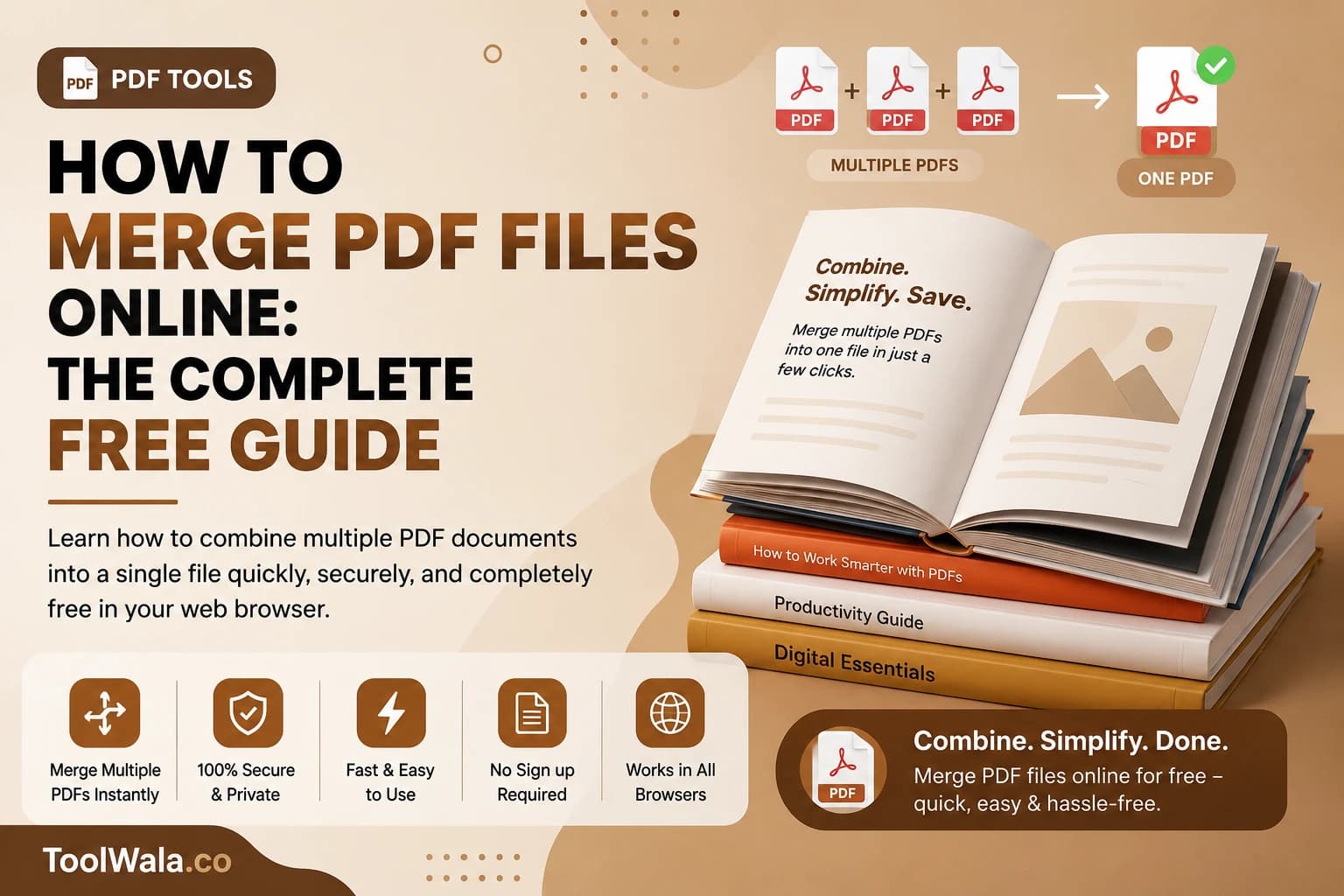

Combining multiple documents is one of the most common tasks. Learn how to merge PDFs online using ToolWala AI's local browser tools.
Why Merge PDFs?
Merging files simplifies document management, makes emailing multiple attachments easier, and allows compiling reports into a single, cohesive file.
How to Merge PDFs on ToolWala AI
- Visit the Merge PDF Tool.
- Drag and drop your PDF files into the upload area.
- Arrange the files in your preferred order.
- Click the Merge button to compile the files.
- Download your merged PDF document immediately.
Secure Local Processing
ToolWala AI uses client-side WebAssembly to compile documents. Your PDFs are never sent to a cloud database, keeping your data confidential.
Free Tool
Merge PDFs Online Free
Combine multiple PDF files into one document instantly in your browser.